
Overview
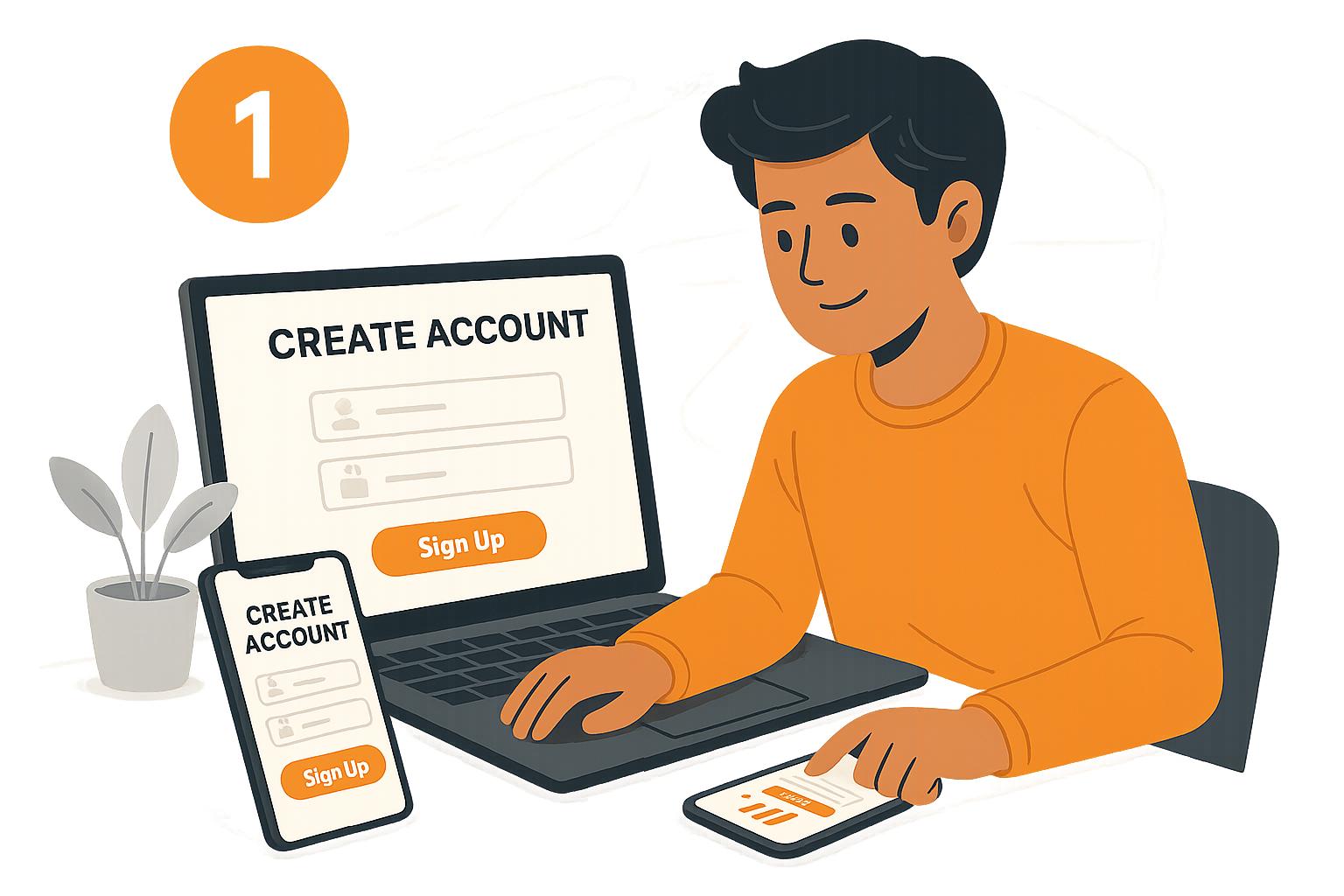
Welcome to Kowura! Creating an account is the first step toward discovering new courses, developing valuable skills, and starting your learning journey.
This guide walks you through the process of creating your Kowura account so you can get started with learning.
Step 1: Visit the Kowura Website
Open your preferred web browser and visit the official Kowura website.
Look for the Sign Up, Register, or Get Started button to begin creating your account.
Step 2: Enter Your Details
Complete the registration form with the information requested. This may include:
- Full name: Enter your name as requested.
- Email address: Provide an active email address you can access.
- Password: Create a strong password to protect your account.
Make sure your information is accurate and that you can access the email address you provide.
Step 3: Review and Submit Your Registration
Before submitting the form, review your details to ensure everything is correct.
If Kowura asks you to accept its Terms of Service or Privacy Policy, review the applicable documents before proceeding.
Once you’ve checked your information, select the registration button to submit your details.
Step 4: Verify Your Email Address
If email verification is required, check your inbox for a verification message from Kowura.
Follow the instructions in the email to verify your address.
Can’t find the verification email?
- Check your spam or junk folder.
- Confirm that you entered the correct email address.
- Wait a few minutes and check again.
- If available, use the option to resend the verification email.
Step 5: Sign In to Your Account
After completing registration and any required verification, return to Kowura and select Log In or Sign In.
Enter your registered email address and password to access your account.
Step 6: Explore Kowura
Congratulations! You’re ready to explore Kowura.
Depending on the features available to your account, you can now:
- Browse available courses.
- Explore topics that interest you.
- Enroll in a course where required.
- Access your learning dashboard.
- Begin learning at your own pace.
We recommend starting by exploring the available courses and choosing one that aligns with your interests or learning goals.
Frequently Asked Questions
Is creating a Kowura account free?
Account creation and course access may have different pricing requirements. Check the information displayed on Kowura to understand any applicable fees before proceeding.
What if my email address is already registered?
Try signing in with your existing account. If you’ve forgotten your password, use the password reset option if available.
What should I do if I can’t create an account?
Double-check that all required fields are completed correctly. Make sure your internet connection is stable and try again. If the problem persists, contact Kowura Support through the available support channel.
Can I change my account details later?
You may be able to update certain details through your account profile or settings, depending on the features available on Kowura.
Need More Help?
If you’re having trouble creating your account, visit the relevant Help Center articles or contact the Kowura Support team through the available support channel.
We’re happy to help you get started!
Ready for the next step? Read our guide on [How to Find and Explore Courses] to discover learning opportunities on Kowura.
Good articles